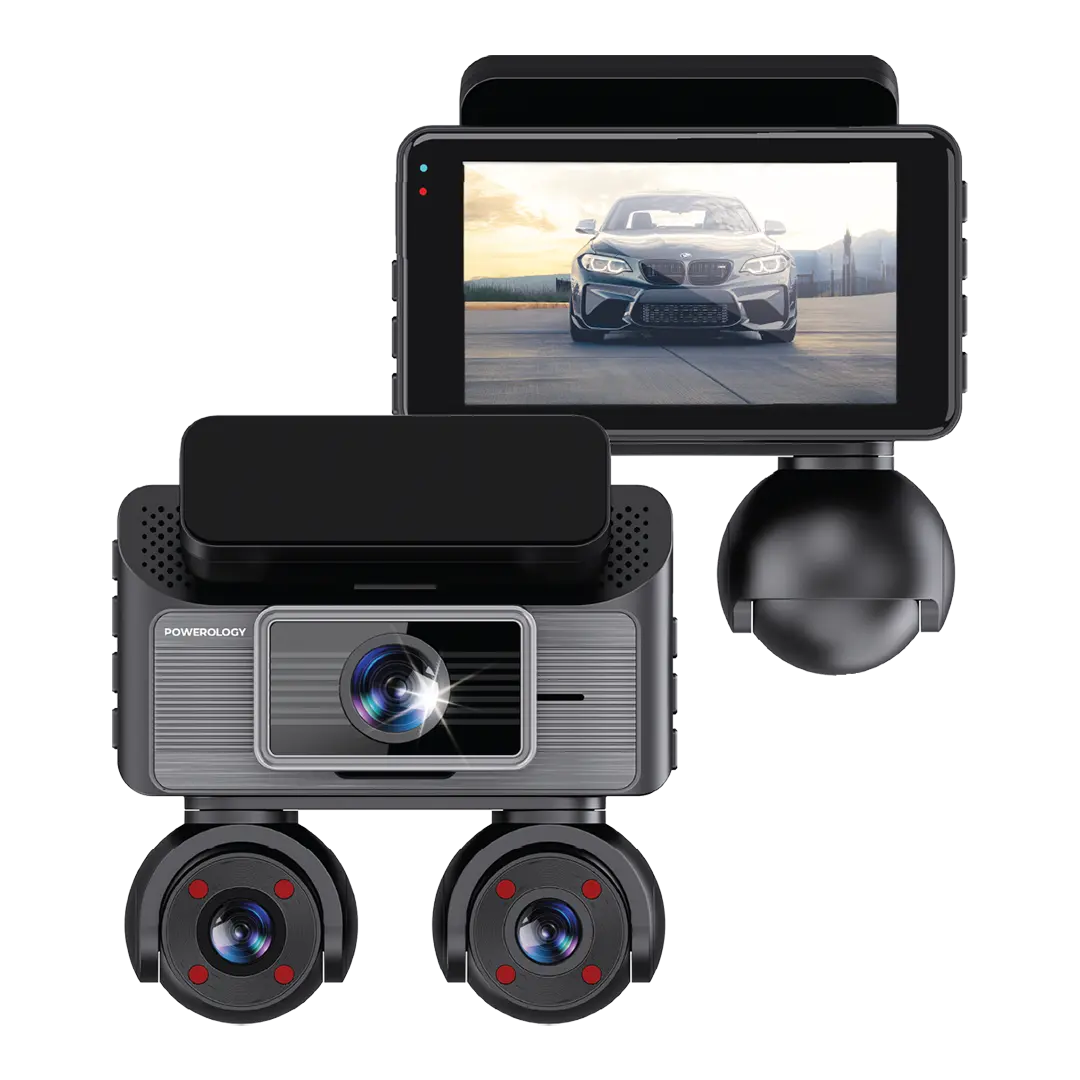
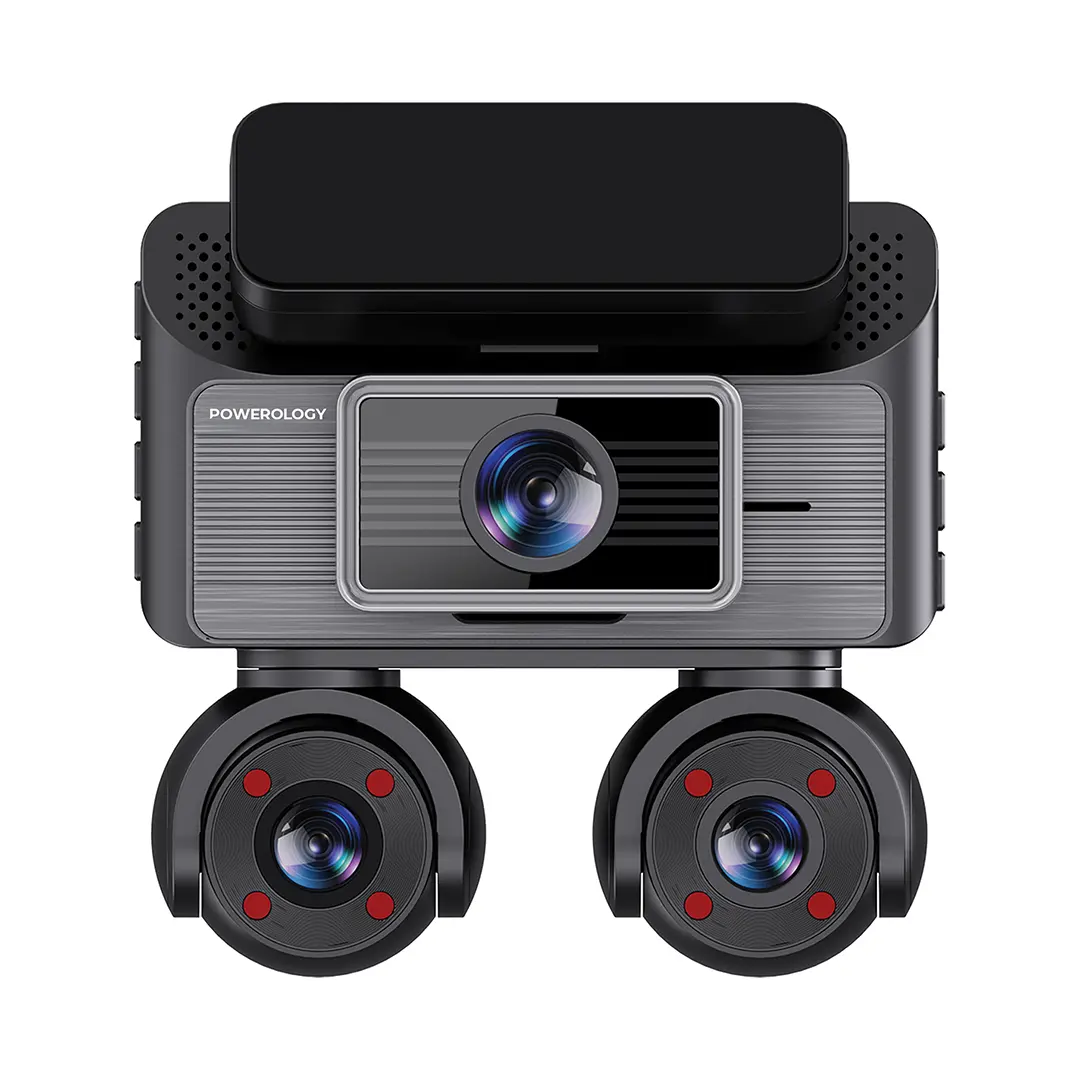
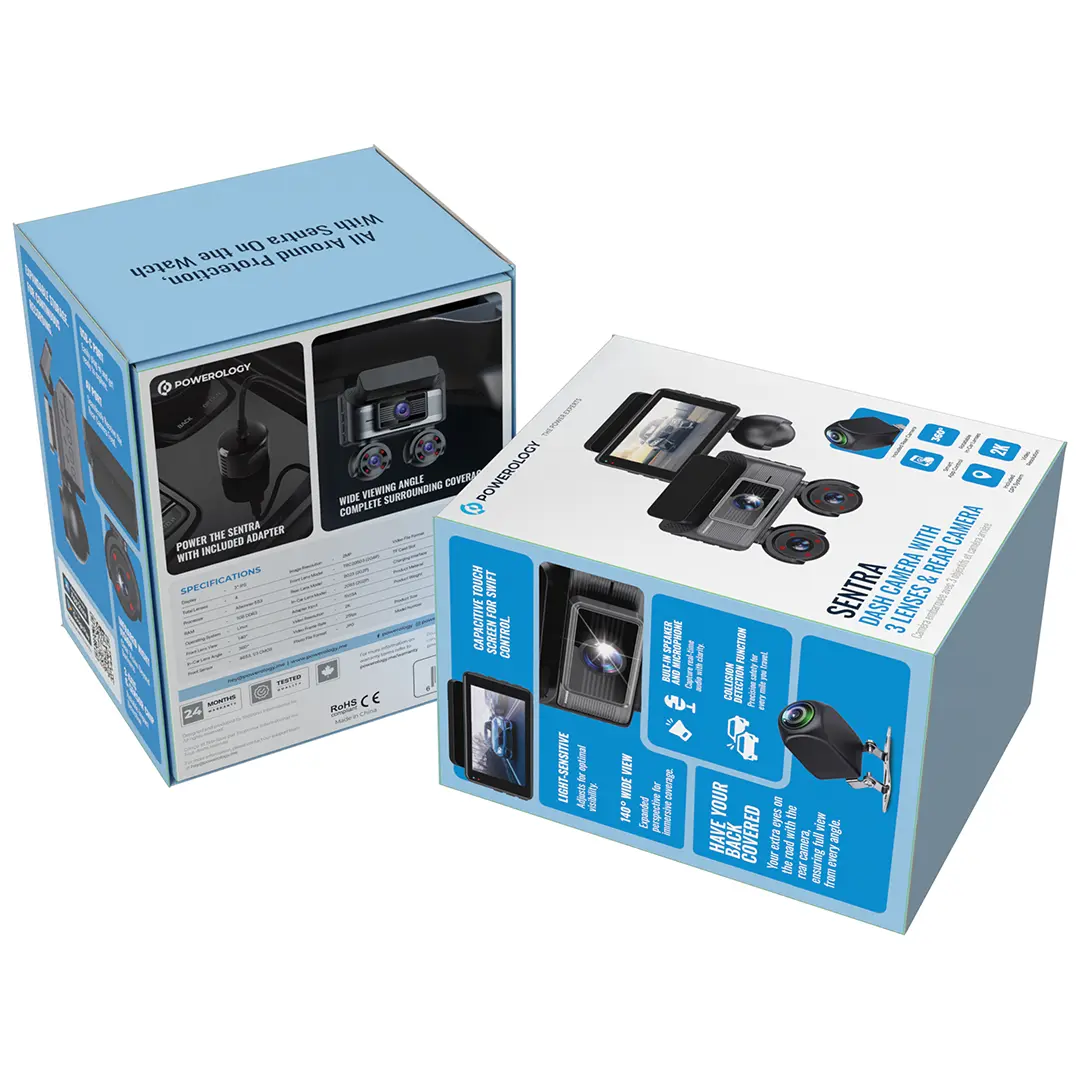
Powerology Sentra Dash Camera with 3 Lenses and Rear Camera - Black

Shipping (Kuwait only)
Orders are processed within 24 hours (Sat–Thu, 9:00 AM–5:00 PM).
Delivery within 24–48 hours after processing.
Shipping fee: 2 KWD flat.
Orders placed after 5:00 PM will be processed on the next working day
Read full Shipping Policy here.
Returns & Refunds
Return/Exchange within 14 days from delivery.
Items must be unused, in original packaging, with all accessories + proof of purchase.
Processing after inspection: 5–10 business days.
Refunds go back to the same payment method (may take up to 14 business days).
Return shipping is paid by customer unless item is wrong/damaged.
Damaged/defective: notify within 48 hours with photos/video.
Read full Refund Policy here.
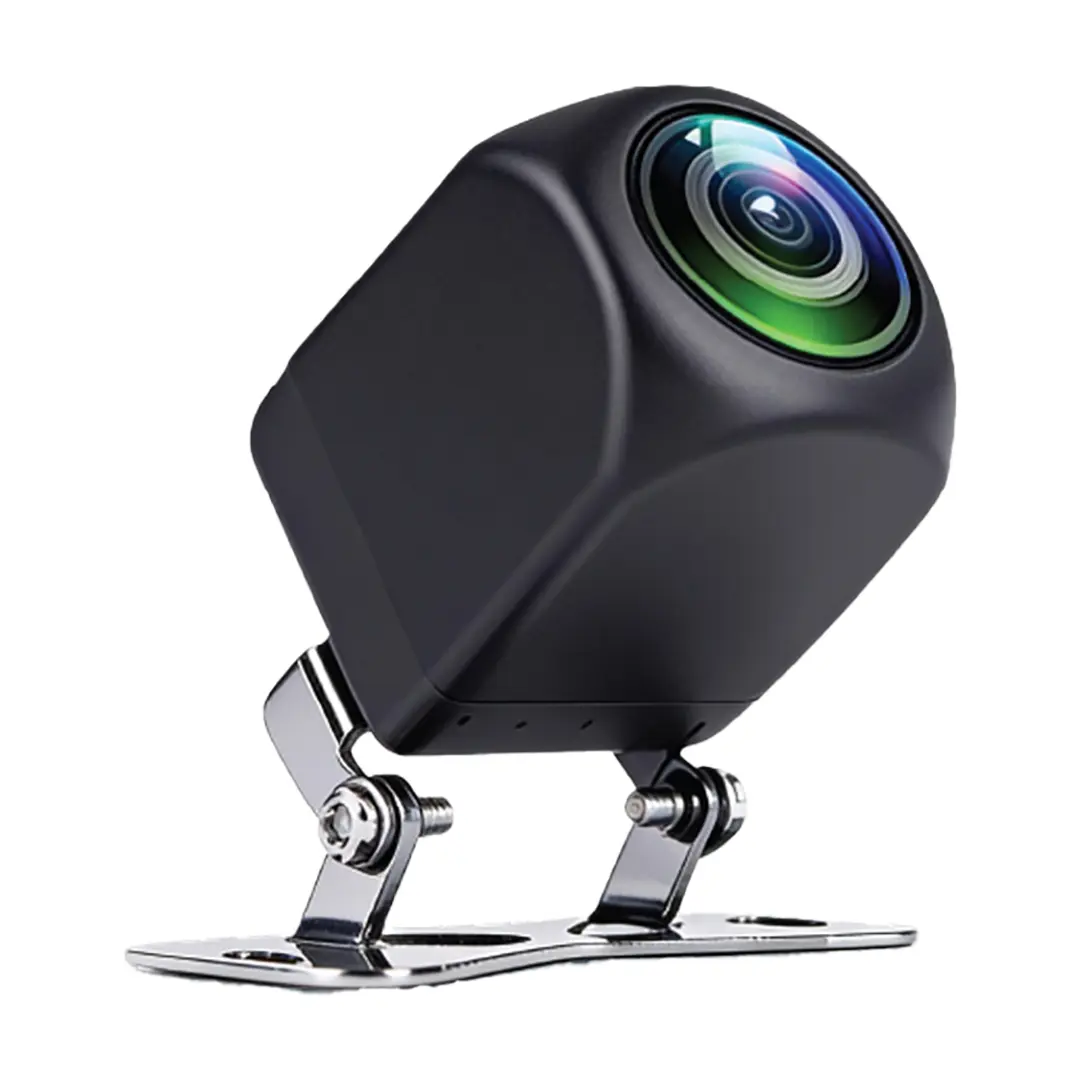
The Powerology Sentra Dash Camera covers your vehicle from every angle with four lenses in total, including a 360° rotatable in-car view and a separate rear camera. It records in 2K at 25fps onto a TF card, tracks your route with built-in GPS, and puts everything on a 3-inch IPS capacitive touch screen. Built around the Allwinner 553 processor with 1GB of DDR3 RAM, it is a complete monitoring system for daily driving.
Key features & benefits
Four lenses with rear camera
Front, in-car and rear coverage means an incident behind you or inside the cabin is recorded just as clearly as the road ahead.
2K video resolution at 25fps
Higher resolution is what makes number plates and road signs readable when you actually need the footage.
360° rotatable in-car lenses
Aim the cabin lens where it matters, which is particularly useful for ride-hailing drivers and family vehicles.
Built-in GPS system
Your route is tracked precisely, so recordings carry location context alongside the video.
Collision detection with 3-axis G-sensor
Sudden impact triggers the camera to protect the relevant footage instead of letting the loop overwrite it.
Infrared night vision and light-sensitive imaging
The cabin view stays usable after dark and the camera adapts as light levels change through a journey.
3" IPS capacitive touch screen
Review clips and change settings with familiar phone-style taps rather than fiddly buttons.
Smart app control with 140° wide front view
Connect through the eLook Pro app to view and manage footage from your phone, while the wide front lens keeps adjacent lanes in frame.
How to set up & use
Mount the main unit centrally on the windscreen behind the mirror where it does not block your view, then route the rear camera cable to the back of the vehicle and connect it to the AV port. Insert a TF card of up to 128GB before powering up, and connect the USB-C charging interface to a 5V/3A adapter. Install the eLook Pro app for iOS or Android, pair it with the camera, then set your recording resolution, collision sensitivity and in-car lens angle. Always park safely before changing settings.
Connectivity & compatibility
The camera runs Linux on an Allwinner 553 processor with 1GB DDR3 RAM and is controlled through the eLook Pro app, available for both iOS and Android. It has an AV port for the rear camera and a USB-C charging interface fed by a 5V/3A adapter. Video is saved in TS format and photos in JPG onto a TF card of up to 128GB, which is not included. GPS is built in, so no external receiver is needed.
What's in the box
Powerology Sentra Dash Camera main unit - Black
Rear camera
Note: Powerology does not publish a full itemised accessory list for this model, and a TF memory card is not included. Contact us if you need confirmation of mounts or cables before ordering.
Care & safety
Never adjust, operate or review footage on the camera while driving; pull over and park safely first.
Recording on public roads is subject to local law, including rules on filming other people and sharing footage, so check what applies where you drive before you publish or hand over any clip.
Tell passengers that the in-car lens is recording, and consider disabling it when carrying guests who have not agreed to be filmed.
Mount the unit where it does not obstruct your field of view or interfere with airbag deployment, and route all cables away from controls and pedals.
The camera is designed for vehicle use; power it only from a 5V/3A adapter through the USB-C interface and avoid leaving it in extreme heat on a dashboard.
Clean the lenses with a soft dry cloth and format the TF card periodically so recording remains reliable.
Who it suits
Ideal for private drivers, ride-hailing and delivery drivers, and anyone who wants front, cabin and rear evidence of what happened on the road.
Technical specifications
| Specification | Details |
|---|---|
| Model | PWCAM108BK |
| Display | 3" IPS touch |
| Total lenses | 4 |
| Processor | Allwinner 553 |
| RAM | 1GB DDR3 |
| Operating system | Linux |
| Front lens view angle | 140° |
| In-car lens angle | 360° |
| Front sensor | 4653, 1/3 CMOS |
| Front lens model | TRC20503 (2G4P) |
| Rear lens model | 9023 (2G2P) |
| In-car lens model | 2083 (2G2P) |
| Video resolution | 2K |
| Video frame rate | 25fps |
| Video file format | TS |
| Photo file format | JPG |
| TF card slot | Up to 128GB (not included) |
| Adapter input | 5V/3A |
| Charging interface | USB-C |
| App | eLook Pro (iOS and Android) |
| Colour | Black |
You may also like