Powerology Stream Deck with Interactive Buttons and Custom Software - Black

Shipping (Kuwait only)
Orders are processed within 24 hours (Sat–Thu, 9:00 AM–5:00 PM).
Delivery within 24–48 hours after processing.
Shipping fee: 2 KWD flat.
Orders placed after 5:00 PM will be processed on the next working day
Read full Shipping Policy here.
Returns & Refunds
Return/Exchange within 14 days from delivery.
Items must be unused, in original packaging, with all accessories + proof of purchase.
Processing after inspection: 5–10 business days.
Refunds go back to the same payment method (may take up to 14 business days).
Return shipping is paid by customer unless item is wrong/damaged.
Damaged/defective: notify within 48 hours with photos/video.
Read full Refund Policy here.
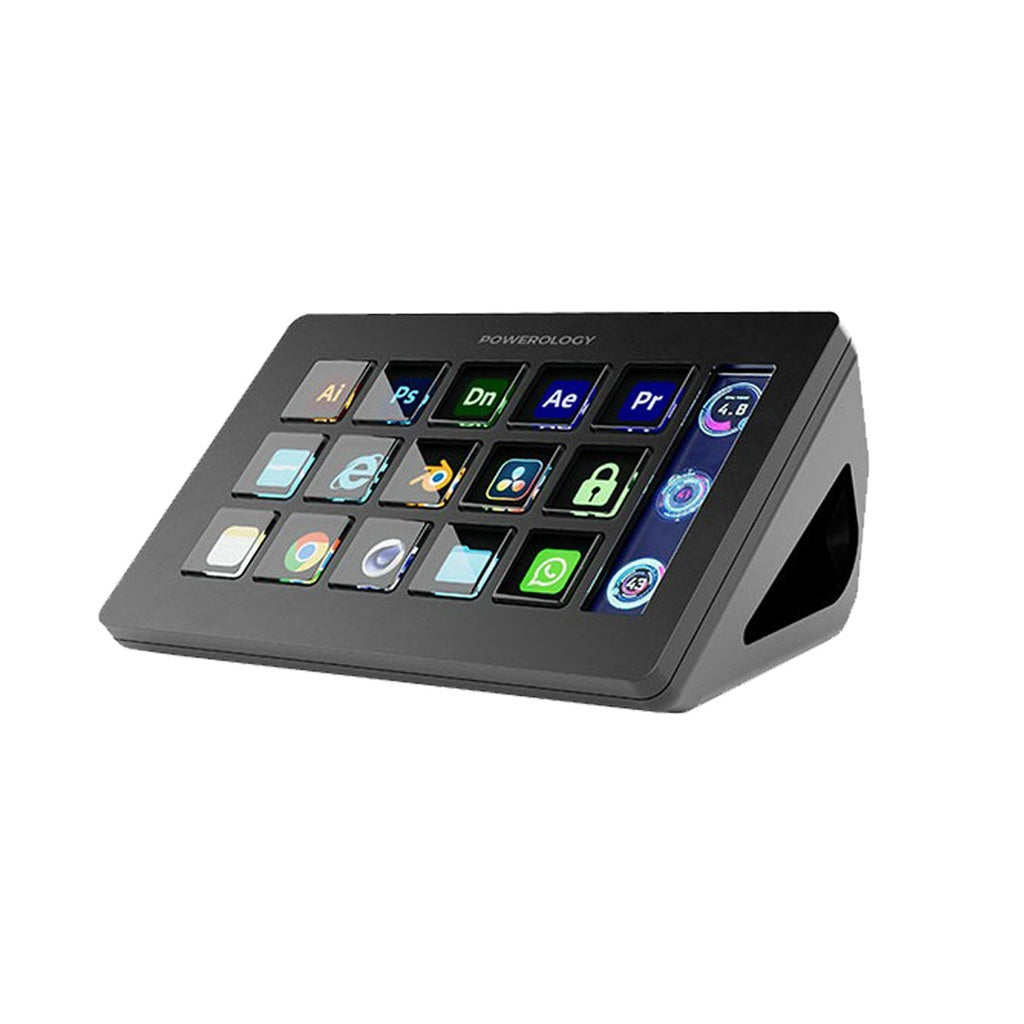
The Powerology Stream Deck puts 15 programmable buttons on your desk, each with its own bright LCD icon, so the actions you use constantly are one press away. It works with both Windows and Mac through Powerology's custom software, and connects over a single USB-C cable that carries both data and power. A built-in display bar adds a strip of screen for the information or artwork you want on hand.
Key features & benefits
15 hardware keys
Enough room for scene switches, mute toggles, app launches and macros without ever memorising a keyboard shortcut again.
Custom software for Windows and Mac
Drag actions onto the keys you want and personalise each one with your own icon, so the deck matches how you actually work.
800LUM screen luminance
The key icons stay legible under studio lighting and in bright rooms where dimmer panels wash out.
450 screen contrast ratio
Higher contrast keeps icons distinct at a glance, which matters when you are reaching for a key mid-stream.
Built-in display bar
A dedicated strip of screen shows essential information or images without stealing space from your monitor.
85 x 85 pixel key icons
Each icon has enough resolution to carry a recognisable logo, thumbnail or piece of text.
Aluminium and PC construction
The metal-and-polycarbonate body feels solid on a desk and stays put when you press a key firmly.
Single USB-C 2.0 connection
Data and 5V power travel down one cable, so there is no separate adapter cluttering your setup.
How to set up & use
Place the deck within easy reach on your desk and connect it to your computer using the USB-C 2.0 data interface, which also supplies the 5V power it needs. Download the companion software for Windows or Mac from Powerology, install it, and open the configuration app. Drag the actions you want from the right-hand panel onto the keys you want them on, then assign a custom icon to each key so it is instantly recognisable. Changes take effect immediately, and you can rebuild your layout at any time.
Connectivity & compatibility
The Stream Deck connects by USB-C 2.0, which handles both the data link and the 5V power supply, so no separate mains adapter is required. It is compatible with Windows and Mac, and Powerology provides separate software downloads for each platform. The deck is not a standalone device; the custom software must be installed on the connected computer for the keys to do anything.
What's in the box
Powerology Stream Deck - Black
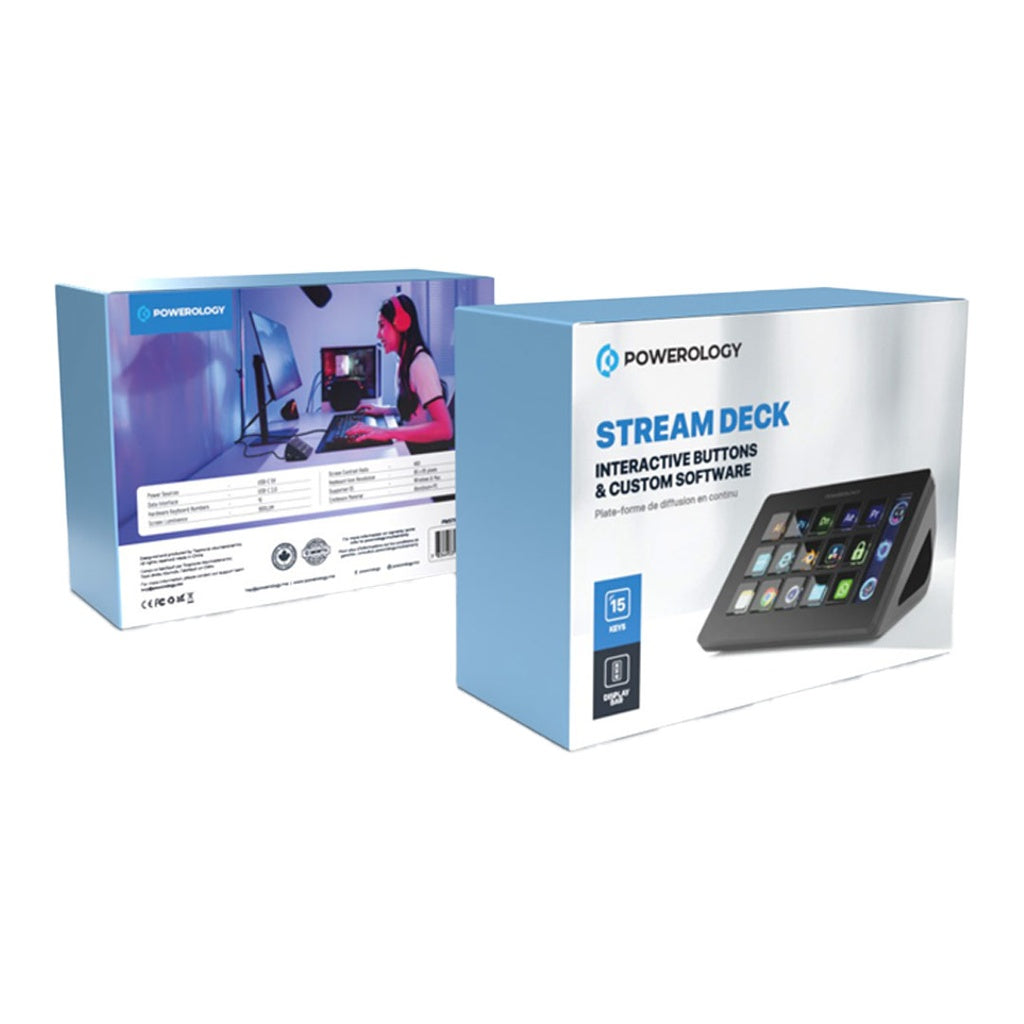
Retail packaging with product documentation and user manual access
Note: Powerology does not publish an itemised accessory list for this model, so contact us if you need confirmation of the included USB-C cable before ordering.
Care & safety
Connect the deck only to a computer USB-C port or a quality 5V source; avoid unbranded high-output adapters.
Keep liquids well away from the unit, since the key screens and electronics are not sealed against spills.
Clean the surface with a soft dry cloth and never spray cleaner directly onto the keys or display bar.
Route the USB-C cable so it is not pulled taut or trapped under a rolling chair, which can damage the port over time.
Do not press the keys with sharp objects or attempt to prise off the key covers.
Only install the configuration software from Powerology's official download links, and keep your computer's security software up to date.
Who it suits
Ideal for streamers, content creators, video editors and anyone who wants one-press access to the software actions they repeat all day.
Technical specifications
| Specification | Details |
|---|---|
| Model | PWSTRDBK |
| Hardware keys | 15 |
| Keyboard icon resolution | 85 x 85 pixels |
| Screen luminance | 800LUM |
| Screen contrast ratio | 450 |
| Material | Aluminium + PC |
| Supported operating systems | Windows & Mac |
| Data interface | USB-C 2.0 |
| Power source | USB-C 5V |
| Colour | Black |
You may also like