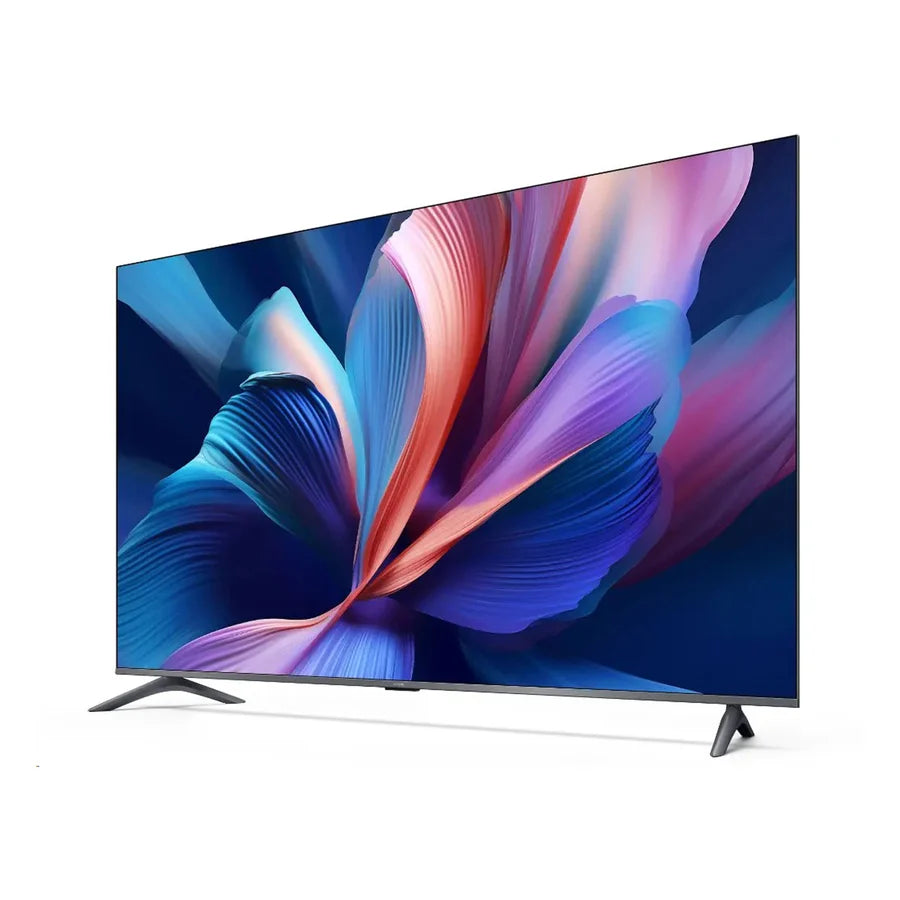
Xiaomi Curved Gaming Monitor G34WQi 34-inch WQHD 180Hz (2026)

Shipping (Kuwait only)
Orders are processed within 24 hours (Sat–Thu, 9:00 AM–5:00 PM).
Delivery within 24–48 hours after processing.
Shipping fee: 2 KWD flat.
Orders placed after 5:00 PM will be processed on the next working day
Read full Shipping Policy here.
Returns & Refunds
Return/Exchange within 14 days from delivery.
Items must be unused, in original packaging, with all accessories + proof of purchase.
Processing after inspection: 5–10 business days.
Refunds go back to the same payment method (may take up to 14 business days).
Return shipping is paid by customer unless item is wrong/damaged.
Damaged/defective: notify within 48 hours with photos/video.
Read full Refund Policy here.
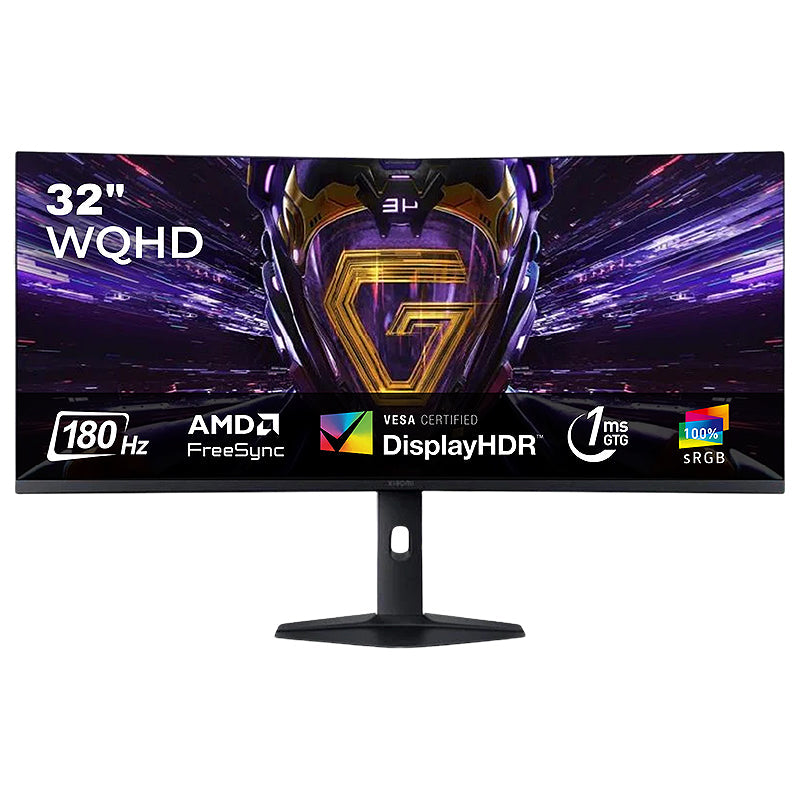
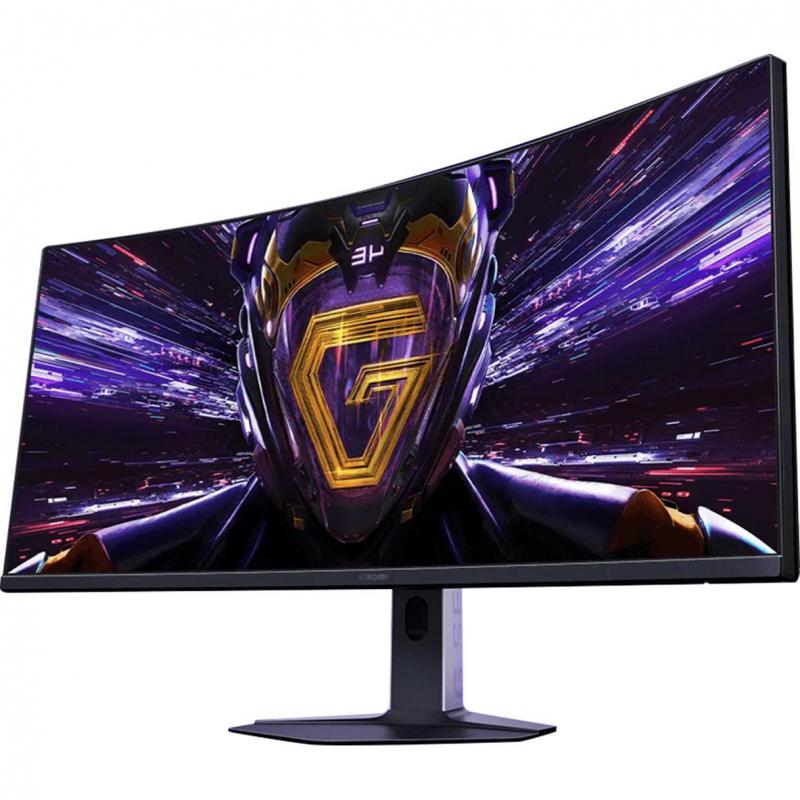
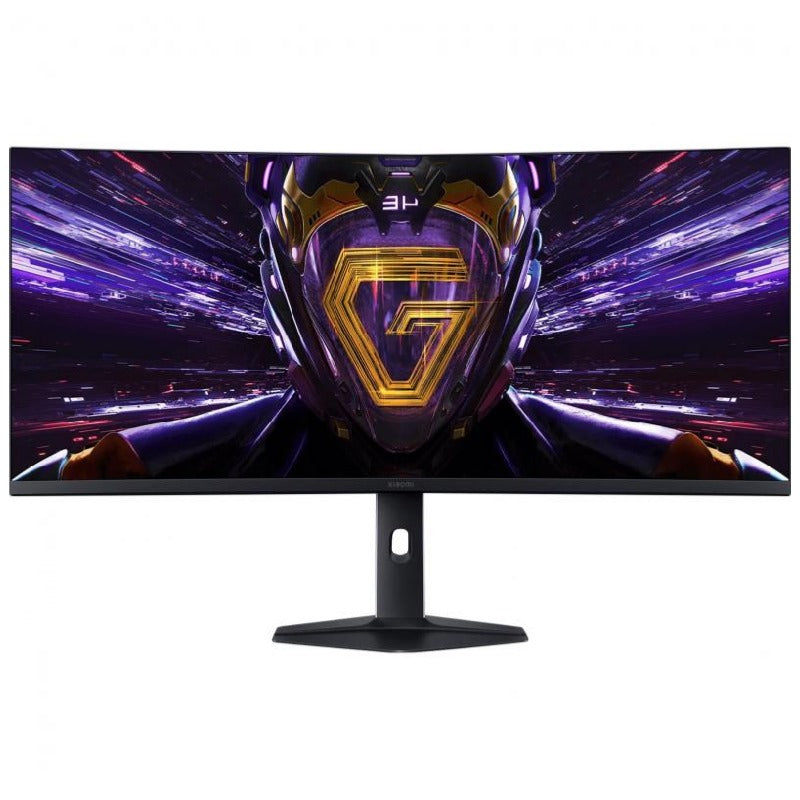
The Xiaomi Curved Gaming Monitor G34WQi 2026 is a 34-inch ultra-wide display with a 1500R curve that keeps the whole screen roughly the same distance from your eyes. The 21:9 WQHD panel gives a field of view around 30% wider than a standard 16:9 monitor, and a 180Hz refresh rate with 1ms grey-to-grey response keeps competitive play sharp. HDR400, 95% DCI-P3 coverage and factory ΔE<2 calibration mean it holds up for creative work too.
Key features & benefits
1500R curved 34-inch panel
The curvature is designed to mirror the natural curve of the eye, so the edges of a very wide screen stay in comfortable focus instead of falling away.
21:9 WQHD ultra-wide resolution
3440 x 1440 across 21:9 gives roughly 30% more horizontal field of view than a 16:9 display, which helps in racing and strategy games and in multi-window work.
180Hz refresh rate
A high refresh rate keeps fast-paced action smooth and reduces stuttering, with the full 180Hz available over the supplied DisplayPort 1.4 cable.
1ms GTG response time
A 1ms grey-to-grey response (typical) cuts ghosting and motion blur so moving objects stay readable.
FreeSync Premium certification
Synchronises the display refresh rate with your graphics card to eliminate tearing and stutter. Certification applies to the DisplayPort interface.
HDR400 with 400 nits peak brightness
A wider brightness range brings out detail in dark scenes while keeping highlights crisp rather than blown out.
95% DCI-P3 and 100% sRGB with 10-bit colour
Wide gamut coverage and 10-bit colour depth (via 8-bit+FRC) give smooth gradients and rich colour, with each unit factory-calibrated to ΔE<2 in sRGB mode.
Fully adjustable stand plus TÜV Rheinland low blue light
Height, tilt and swivel adjustment let you set a comfortable position, and the certified low blue light mode with DC dimming helps over long sessions.
How to set up & use
Attach the base and bracket to the back of the panel using the supplied screw kit, then stand the monitor on a flat, stable desk. Connect the power adapter to the DC IN port and your PC or console to one of the DisplayPort 1.4 or HDMI 2.0 inputs, using the included DP 1.4 cable if you want the full 3440 x 1440 at 180Hz. Set your computer's resolution to 3440 x 1440 and the refresh rate to 180Hz, then use the joystick control to open the on-screen menu and enable FreeSync, HDR or the sRGB colour space as needed. For wall mounting, remove the stand and use a VESA 100 x 100 mm bracket, sold separately.
Connectivity & compatibility
Wired connections only: two DisplayPort 1.4 inputs, two HDMI 2.0 inputs, one audio port and one DC IN power port. There is no Wi-Fi, Bluetooth or USB hub. It works as a plug-and-play display with any Windows, macOS or Linux computer or console with a DisplayPort or HDMI output. FreeSync Premium is certified over DisplayPort only, and the maximum 3440 x 1440 at 180Hz is best achieved with the supplied DP 1.4 cable.
What's in the box
Monitor ×1
Base (bracket included) ×1
Screw kit ×1
DP 1.4 cable ×1
Power adapter ×1
User manual ×1
Care & safety
If wall mounting, fix the bracket only to a wall rated to carry the monitor's weight, using the specified VESA 100 x 100 mm pattern.
Ask someone to help you lift and position this wide panel so it is not dropped or twisted during assembly.
Keep the vents at the back clear and leave space around the monitor for air to circulate.
Never press on the curved screen surface, and clean it with a dry or slightly damp soft cloth only.
Use only the supplied power adapter, and unplug it before moving or servicing the monitor.
Route cables where they cannot be tripped over or pull the monitor off the desk.
Who it suits
Gamers who want an immersive ultra-wide screen with high refresh and tear-free play, and anyone who works across several windows at once and wants accurate colour as well.
Technical specifications
| Specification | Details |
|---|---|
| Display size | 34" |
| Curvature | 1500R |
| Aspect ratio | 21:9 |
| Resolution | 3440 × 1440 |
| Refresh rate (max.) | 180Hz |
| Response time | 1ms GTG (typ.) |
| Adaptive sync | FreeSync Premium (DisplayPort) |
| Brightness | 400 nits (typ.) |
| HDR | HDR400 |
| Contrast ratio | 3500:1 (typ.) |
| Colours | 1.07 billion (10-bit via 8-bit+FRC) |
| Colour gamut | 95% DCI-P3, 100% sRGB |
| Colour accuracy | ΔE<2 (factory calibrated, sRGB mode) |
| Viewing angle | 178° (H) / 178° (V) |
| Ports | DP 1.4 ×2, HDMI 2.0 ×2, Audio ×1, DC IN ×1 |
| Certification | TÜV Rheinland Low Blue Light |
| Power input | 24V 2.71A |
| Rated power | 65 W |
| Dimensions (incl. stand) | 811.3 × 277.3 × 521.5 mm |
| Net weight (incl. stand) | 6.5 kg |
| Tilt adjustment | Forward 5° ±2, backward 21° ±2 |
| Wall mount | VESA 100 × 100 mm |
You may also like