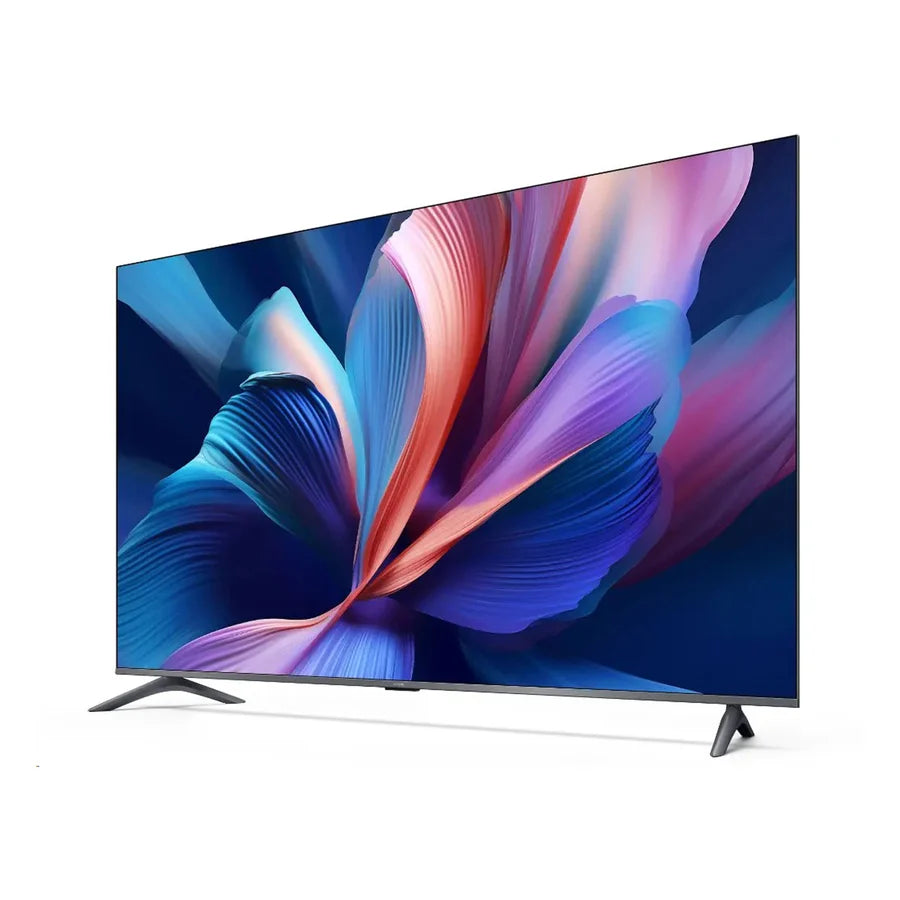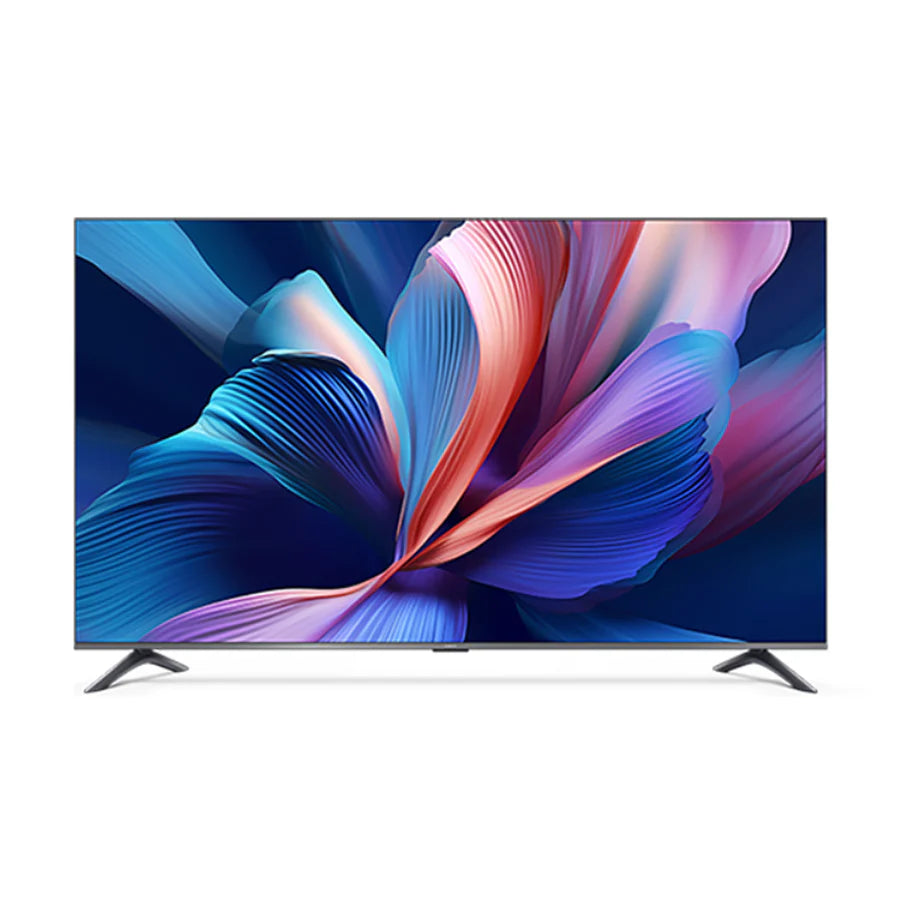
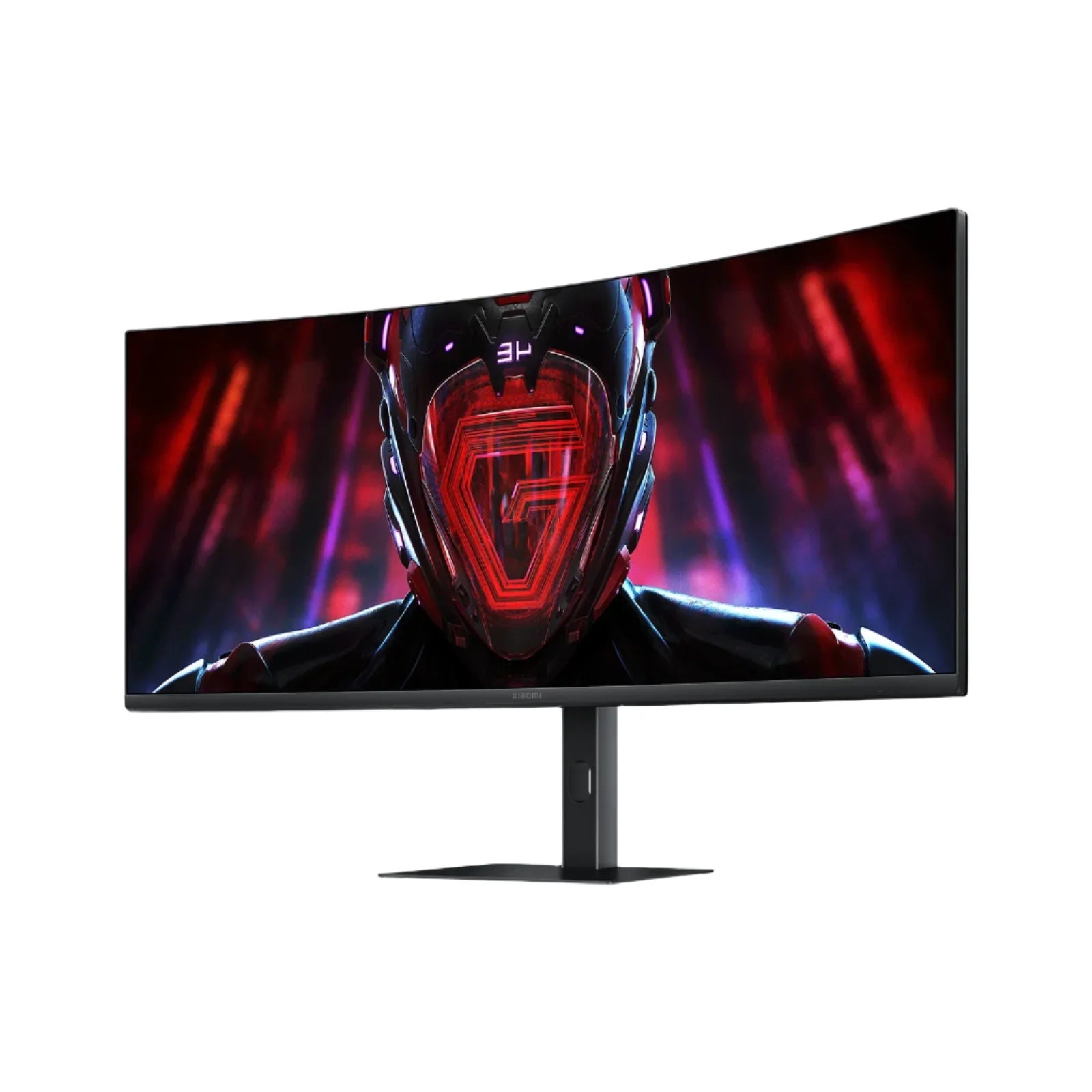
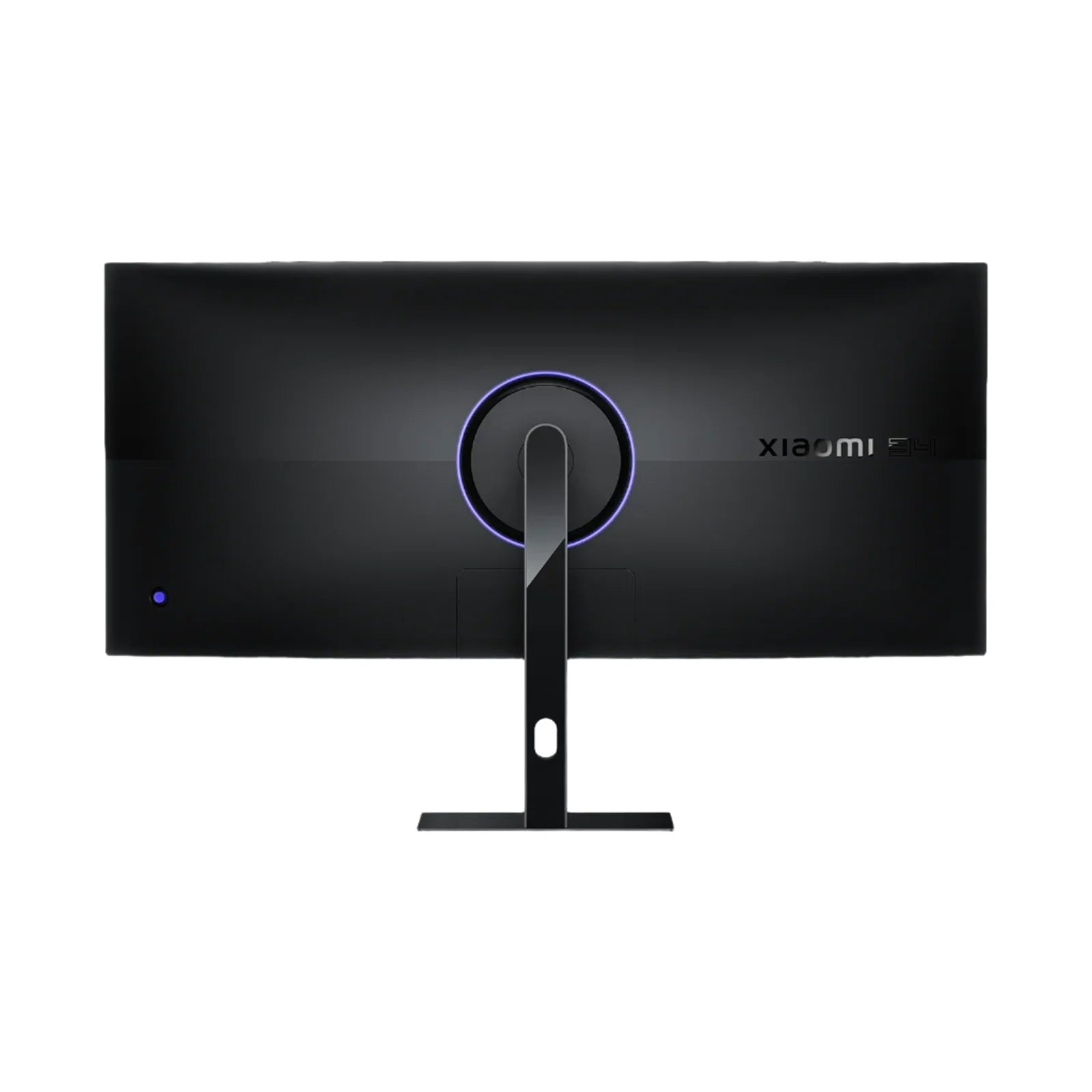
Xiaomi Curved Gaming Monitor 34-inch - G34WQi

Shipping (Kuwait only)
Orders are processed within 24 hours (Sat–Thu, 9:00 AM–5:00 PM).
Delivery within 24–48 hours after processing.
Shipping fee: 2 KWD flat.
Orders placed after 5:00 PM will be processed on the next working day
Read full Shipping Policy here.
Returns & Refunds
Return/Exchange within 14 days from delivery.
Items must be unused, in original packaging, with all accessories + proof of purchase.
Processing after inspection: 5–10 business days.
Refunds go back to the same payment method (may take up to 14 business days).
Return shipping is paid by customer unless item is wrong/damaged.
Damaged/defective: notify within 48 hours with photos/video.
Read full Refund Policy here.
An ultra-wide curved gaming monitor can provide a more immersive and productive viewing experience. Its ergonomic design supports comfortable use during extended gaming or work sessions. The Xiaomi Curved Gaming Monitor G34WQi combines a large 34-inch screen with a high refresh rate for smooth visuals. The WQHD resolution and adaptive sync technology help deliver clear, detailed images without tearing. An adjustable stand allows you to find a comfortable viewing position.
Key features & benefits
- 34-inch ultra-wide curved screen: Creates an immersive wraparound viewing experience that enhances gaming realism and reduces eye strain during extended use.
- WQHD resolution: Offers sharp, detailed visuals ideal for gaming, video editing, and multitasking.
- 180 Hz refresh rate: Delivers buttery-smooth gameplay for fast-paced action.
- AMD FreeSync and adaptive sync support: Synchronizes the monitor's refresh rate with your graphics card, preventing tearing and stuttering.
- Enhanced contrast and colour accuracy: Produces deep blacks and vibrant colours, improving overall image depth and realism.
- Multiple connectivity options including DisplayPort and HDMI: Allow easy connection to gaming PCs, consoles, and other devices.
- Adjustable stand with tilt and height settings: Enables ergonomic positioning for comfortable viewing angles during long gaming sessions.
- Specialized gaming display modes and customizable on-screen settings: Let you optimize picture quality for different game genres and content types.
How to set up & use
Begin by assembling the stand according to the included instructions and securely attach the monitor panel. Connect your gaming PC or console using either the DisplayPort or HDMI cable. Power on the monitor and access the on-screen display menu using the control buttons. Navigate to display settings on your computer or console to select the native WQHD resolution. Use the adjustable stand to find a comfortable tilt and height for your viewing position. Explore the on-screen settings to customize picture modes for different types of content.
Connectivity & compatibility
The monitor includes DisplayPort and HDMI ports for connecting to various devices like gaming PCs and consoles. These connections support the high refresh rate and resolution for optimal performance.
Whats in the box
- Monitor panel
- Stand
- DisplayPort cable
- HDMI cable
- Power cable
- User manual
Care & safety
- Keep away from extreme heat and prolonged direct sunlight.
- Keep charging contacts/ports clean and dry.
- Use reputable power adapters/cables that meet local safety standards.
- Stop use if overheating, swelling, unusual smell, or damage occurs.
- Store in a clean, dry place when not in use.
- Keep out of reach of small children (small parts).
Who it suits
This monitor is well-suited for gamers who want smooth, immersive visuals and for professionals who need extra screen space for multitasking. A practical option if you want a high-performance display for gaming and productivity without unnecessary extras.
Technical specifications
| Screen Size | 34 inches |
| Display Type | Curved ultra-wide panel |
| Resolution | WQHD (3440 x 1440) |
| Refresh Rate | 180 Hz |
| Aspect Ratio | 21:9 |
| Adaptive Sync | AMD FreeSync |
| Connectivity | DisplayPort, HDMI |
| Stand Adjustability | Tilt, height |
| Use Cases | Gaming, video editing, multitasking, entertainment |
You may also like